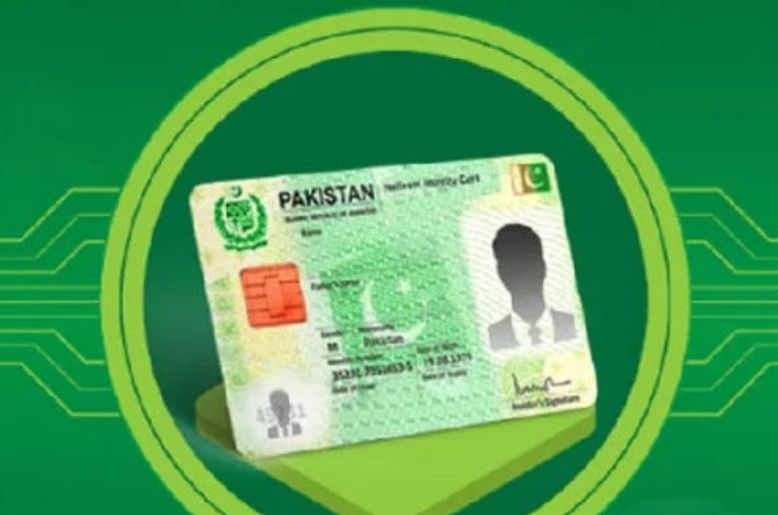
The National Database and Registration Authority (NADRA) has explained the procedure for obtaining a digital ID card through the Pak ID mobile application.
According to a statement issued by NADRA, obtaining a digital ID card is a simple process. Citizens need to log in to their account on the Pak ID mobile app and select the Digital ID option.
The authority said the application will be processed according to the applicant’s verified profile, after which the digital ID will become available in the ID Vault.
NADRA clarified that identity and biometric verification are mandatory for obtaining a digital ID.
With the latest version 5.8.0 of the Pak ID mobile app, citizens can also obtain, securely store and share the digital ID cards of their spouses and eligible children along with their own digital ID.
The updated app also allows citizens to verify a B-Form or CNIC Cancellation Certificate by using the Scan QR Code option in Pak ID. Users can scan the digital QR code to access the verified information.
According to NADRA, the latest version of the Pak ID app has also made biometric verification easier for influenza and meningitis vaccination certificates required for Hajj or Umrah.
