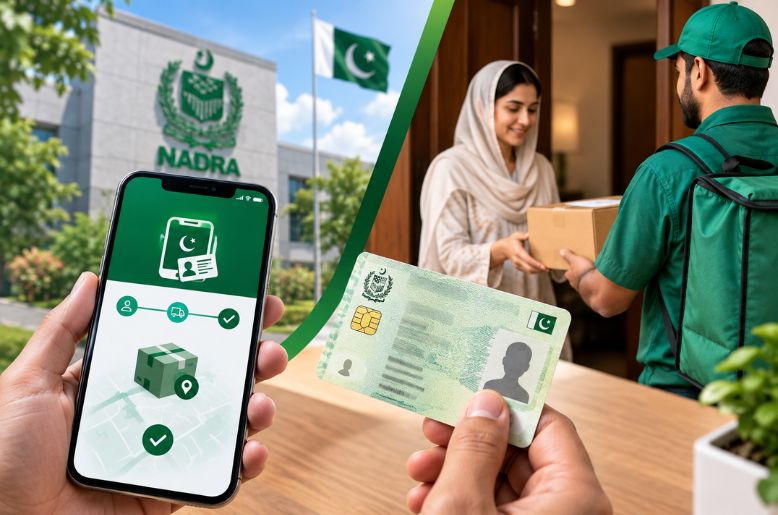
The National Database and Registration Authority (NADRA) has issued a clarification on the delivery of the CNIC applied for through its Pak ID mobile app.
NADRA said applicants using the Pak ID app can choose where they want their identity card to be delivered or collected.
Applicants can select either their temporary or permanent address for delivery. They can also choose to collect the card from a NADRA Registration Centre.
The card will be delivered or made available for collection at the location selected during the application process, the authority said.
NADRA has advised applicants to provide a complete and accurate address to avoid problems with delivery. This should include details such as the house number, street number, sector and other relevant information.
An incomplete or incorrect address could result in delays or difficulties in receiving the card.
How to apply for a CNIC through the Pak ID app
Pak ID is NADRA’s official mobile application for applying for and managing identity documents and tracking applications.
Applicants can generally follow these steps:
1. Download the Pak ID app from the Google Play Store or Apple App Store.
2. Create an account or log in using their credentials. During registration, applicants provide the required personal information and complete mobile and email OTP verification.
3. Select the relevant CNIC service, such as a new CNIC, renewal, modification or reprint, depending on the applicant’s circumstances.
4. Enter the required personal information and provide the requested details.
5. Upload the required documents through the app.
6. Complete biometric verification, photograph and digital-signature requirements where applicable. NADRA says some applications may require a visit to a Registration Centre.
7. Select the delivery or collection option, including a temporary address, permanent address, another specified address where available, or a NADRA Registration Centre.
8. Pay the applicable fee using the payment options available through the app.
9. Track the application status through the Pak ID app.
