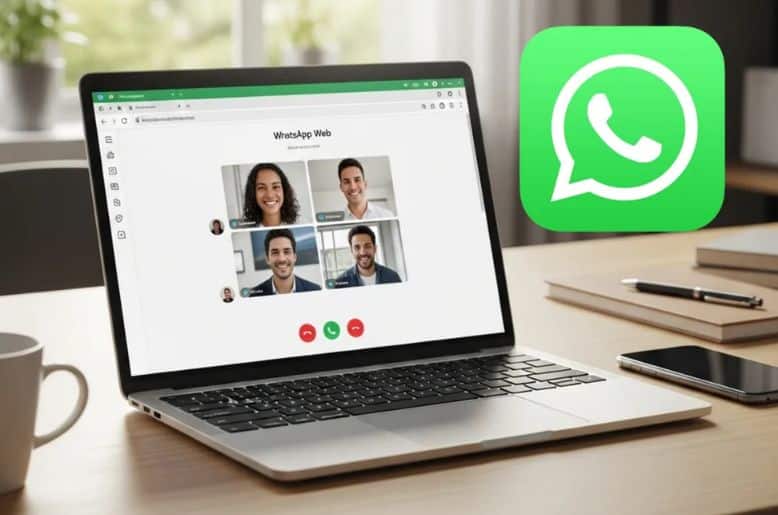
The WhatsApp Web call rollout is a major update for users in Pakistan and worldwide. With this new feature, users can make voice and video calls directly from their web browser. Previously, WhatsApp calls were limited to mobile apps or the hybrid desktop applications.
Now, users can enjoy real-time communication without installing additional software. This step shows how WhatsApp is improving accessibility and convenience for desktop users. By enabling calls directly in the browser, the platform keeps users connected more efficiently.
How WhatsApp web call rollout works
The initial rollout focuses on one-on-one chats. Users can make calls straight from the chat window. To start a call, simply open a conversation and click the call button. The interface is user-friendly and mirrors the mobile app experience. Both audio and video call options are available.
Calls are smooth even on moderate internet connections. This ensures that users in Pakistan can enjoy uninterrupted communication during work or personal chats.
End-to-end encryption ensures privacy
WhatsApp reiterates that all calls made via the web are secured with end-to-end encryption. Meta uses the Signal protocol to protect conversations. Only participants can hear or see the content. Neither WhatsApp nor Meta can access the call details.
This gives users confidence in sharing personal and professional information. With privacy concerns increasing globally, this security feature makes WhatsApp Web call rollout a safe and reliable choice.
Screen sharing feature for desktop users
Another exciting addition is the support for screen sharing. Users can present their screens during calls, similar to desktop applications. This is useful for work presentations, online teaching, and collaborative projects.
By combining video calling with screen sharing, WhatsApp competes effectively with other desktop communication tools. Users in Pakistan can now use the web platform for both social and professional purposes.
Compatibility and accessibility
The new update works directly in modern web browsers. Windows users who do not use the hybrid desktop app can still make calls. There is no dedicated WhatsApp desktop app required for this functionality.
The platform remains lightweight and easy to access. This simplicity helps users avoid unnecessary downloads. It also reduces storage space requirements on PCs and laptops.
Future updates and meta-AI integration
WhatsApp is also expanding its features beyond calling. A recent beta update on Android announced a dedicated Meta AI tab. This tab will replace the Communities section in the navigation bar. Users can still create and manage communities from the chats tab.
The AI tab shows WhatsApp’s intent to integrate artificial intelligence into messaging. Combined with the WhatsApp Web call rollout, this indicates a smarter and more user-friendly platform for global users.
Benefits of WhatsApp web call rollout for users
The rollout brings several benefits. Users can now make audio and video calls without switching devices. The interface is simple and mirrors the mobile app. Screen sharing helps in both work and personal scenarios. End-to-end encryption ensures safety.
This update makes WhatsApp a more versatile communication platform. For people in Pakistan, this update improves accessibility and convenience for online meetings, family chats, and professional calls.
Challenges and limitations
Although the rollout is impressive, it has some limitations. Currently, group calls are not supported on the web version. Users need a stable internet connection for smooth video calls. Older browsers may face compatibility issues.
However, WhatsApp is expected to expand its features gradually. This gradual approach ensures stability and prevents technical glitches during calls. Overall, the benefits outweigh the limitations.
Practical tips for using WhatsApp web calls
For a smooth experience, users should use the latest browser version. Ensuring a good internet connection is essential. Users can adjust video quality for better performance. Microphone and camera permissions must be enabled.
Closing unnecessary browser tabs can prevent lagging. Following these tips enhances the calling experience and takes full advantage of the WhatsApp Web call rollout features. Read our detailed coverage on how the WhatsApp Web calls rollout brings voice and video calling directly to desktop users.
Impact on communication trends
The rollout changes how people use WhatsApp on desktops. Many users in Pakistan rely on web browsers for work or study. The ability to call directly from a browser reduces dependency on phones.
This update shows WhatsApp adapting to modern communication needs. By combining privacy, accessibility, and convenience, WhatsApp continues to strengthen its position as a leading messaging platform.
Final thoughts
The WhatsApp Web call rollout makes desktop communication simple, secure, and effective. It brings voice and video calling to web users, supports screen sharing, and ensures privacy with end-to-end encryption.
Users in Pakistan can now rely on the web platform for both personal and professional communication. This update is a major step in bridging mobile and desktop experiences. WhatsApp continues to evolve and adapt to user needs worldwide.
Frequently asked questions
1. What is WhatsApp Web Call Rollout?
It is the feature that allows users to make voice and video calls directly from their web browser
2. Is WhatsApp Web Call Rollout Secure?
Yes, all calls are end-to-end encrypted using the Signal protocol
3. Can I share my screen during WhatsApp Web calls?
Yes, screen sharing is supported for desktop users
4. Do I need to install a desktop app for calling?
No, calls work directly in modern web browsers without installing the desktop app
5. Are group calls available on WhatsApp Web?
Currently, the rollout supports one-to-one calls, but group calls may be added in future updates