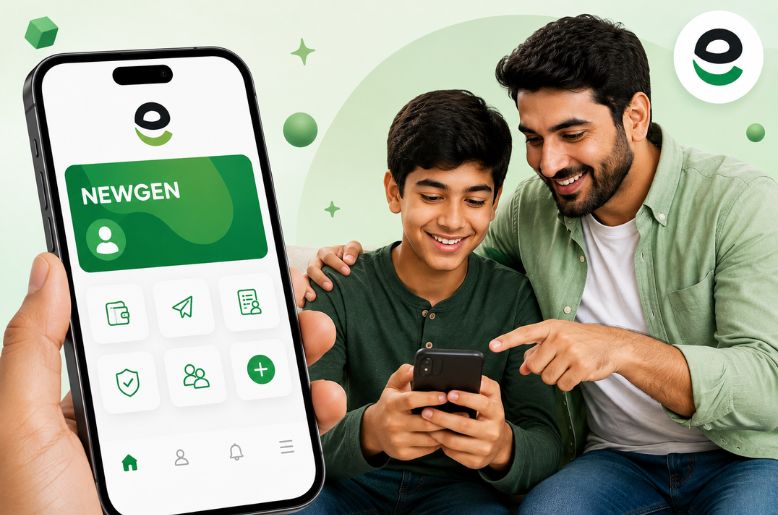
Easypaisa has introduced its NewGen Account, allowing parents to open an Easypaisa account for children between the ages of 12 and 17.
According to Easypaisa’s official website, the parent initiates the account through their own Easypaisa app. The account gives young users access to selected digital financial services, including easyload, money transfers, savings and QR payments.
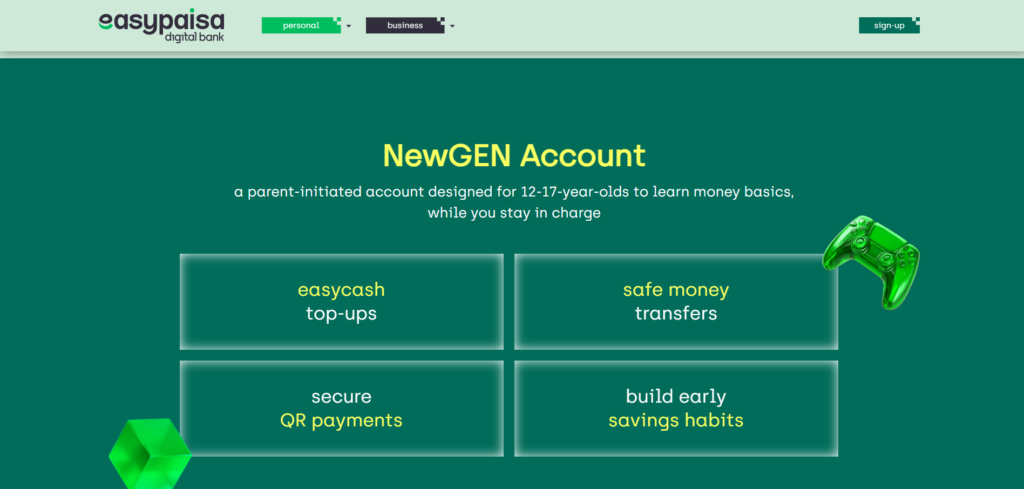
The NewGen Account is designed for children aged 12 to 17 and is opened by a parent through the Easypaisa app. The child can then use the account after creating a personal PIN.
Easypaisa says the service is intended to help young people become familiar with digital payments and basic financial services.
How to open an Easypaisa NewGen Account?
Parents can open the account through their existing Easypaisa app by following these steps:
- Log in to the Easypaisa app.
- Open the profile menu in the top-left corner.
- Select “Open NewGen Account.”
- Enter the child’s mobile number.
- Provide the child’s Form B or CNIC number.
- Enter the date of issuance of the Form B or CNIC.
- Submit the application.
Once the account is created, the child can open the Easypaisa app and create their own PIN to start using the available NewGen features.
A parent can open up to two NewGen Accounts, according to Easypaisa.
Easypaisa says that once a NewGen user reaches 18, debit transactions will be restricted until the account’s CNIC details are updated.
The user can update the account through the Easypaisa app. After the identity information has been updated, the account can be used as a regular Easypaisa account. The official NewGen page lists several features for young users, including:
- Easyload
- Money transfer
- Savings
- QR payments
The service also allows young users to gain practical experience with digital financial transactions under a parent-initiated account.
How to make an Easypaisa account?
For a regular Easypaisa mobile account, the company’s official FAQ says users can download the Easypaisa app, enter their mobile number, provide their CNIC number and date of issuance, complete OTP verification, accept the terms and conditions and create a five-digit PIN.
Easypaisa says accounts can be created on Jazz, Ufone, Zong and Telenor numbers. A regular Easypaisa mobile account is free to create, according to the company’s FAQ.
For Telenor customers, Easypaisa also lists *786# as a USSD option, while Jazz, Ufone and Zong customers can use *2262#.
Easypaisa complaint email
Customers who want to submit a complaint can email info@telenorbank.pk, according to Easypaisa’s official FAQ. The company’s official materials also list complaints@easypaisa.com.pk as a complaints contact.
Easypaisa also lists its helpline numbers as 3737 for Telenor users and 042-111-003-737 for non-Telenor users.
How to delete an Easypaisa account?
If any of the customers want to delete their account for any reason, they can contact Easypaisa customer service: For Telenor users 3737; for Non-Telenor users 042-111-003-737.
They can follow the menu protocol and ask for the deletion of their account to the customer care representative.
Read more: NEPRA amends rules for consumers using solar system up to 25kW
Also read: Islamabad, Rawalpindi to face power outages on August 10: IESCO
