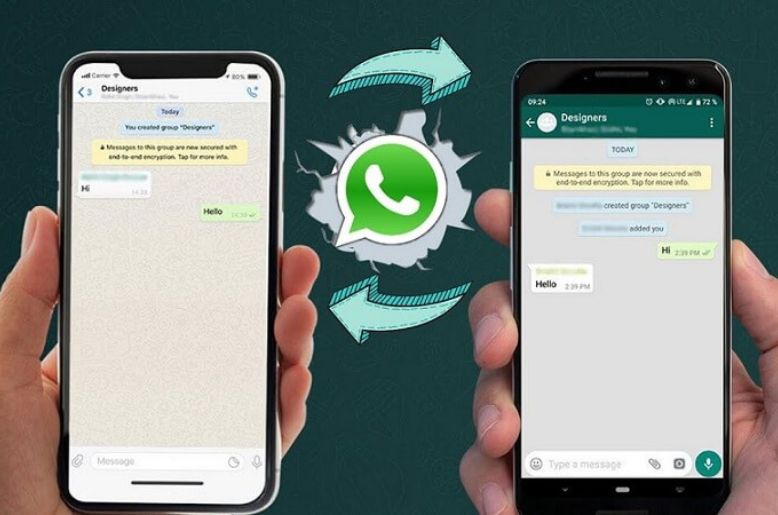
You can easily transfer your WhatsApp chats from an Android to an iPhone.
For those who have purchased a new iPhone and are looking to transfer their WhatsApp data to their new iPhone, here is an easy guideline on how they can do this.
According to a media report, WhatsApp said, “When switching from Android to iPhone, you can transfer your WhatsApp account info, profile photo, chats (individual, group, communities), channel updates, chat history, media, and settings.”
In a blog post, it further stated that the users can’t transfer their call history, display name, or media received over WhatsApp channels.”
If you use WhatsApp Business, the chats cannot be transferred from your Android to an iPhone.
The transfer process is only valid for the official WhatsApp only.
Read more: Punjab govt launches first-ever ‘General Insurance Company’
Before transferring your data from an Android to an iPhone, make sure you have fulfilled the following steps:
To use the feature, users must have Android 5 or later installed on their Android phone, while the iPhone must be running iOS 15.5 or above.
The “Move to iOS” app also needs to be installed on the Android device. Officials warn that using unofficial migration apps may lead to transfer problems or incomplete data.
Both phones must be connected to the same Wi-Fi network, or the Android device should be linked to the iPhone’s hotspot.
The devices also need to remain connected to a power source during the process.
How to transfer WhatsApp chats from Android to iPhone?
Users are required to open the Move to iOS app on the Android phone and follow the instructions shown on the screen.
A verification code displayed on the iPhone must then be entered into the Android device. During the setup process, users can select WhatsApp from the list of transferable data.
Once selected, WhatsApp prepares the data for export before transferring it to the iPhone.
After the process is completed, users need to install the latest iOS version of WhatsApp from the App Store and sign in with the same phone number used on the old device.
The chats should then appear automatically after setup is complete.
According to WhatsApp, the data will remain stored on the Android phone unless the app is deleted or the device is reset manually.
The feature is part of broader efforts by tech companies to simplify switching between mobile platforms while allowing users to retain personal data and chat history.
Also read: Flypast exercise to begin in Islamabad today to mark Marka-e-Haq celebrations
