
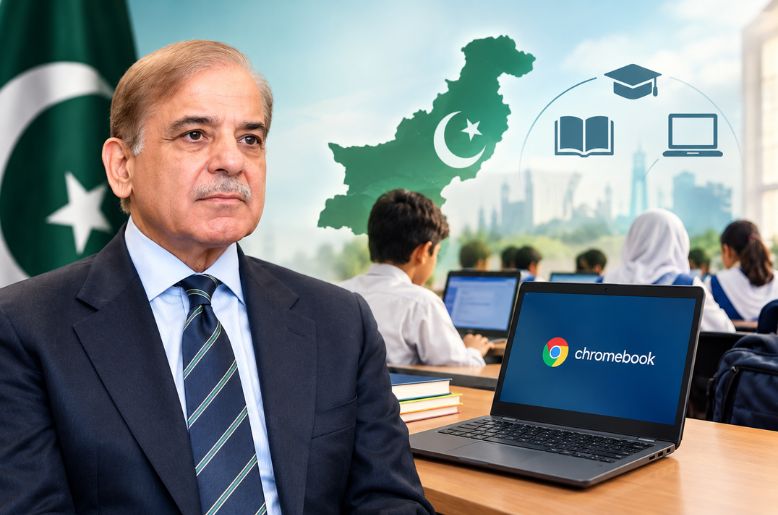
The Prime Minister’s Youth Program (PMYP) is reported to be preparing a scheme named PM Chromebook Scheme 2026 to distribute 500,000 Chromebooks to students across Pakistan.
The initiative aims to expand access to digital learning, online research and educational resources. However, students should check the official scheme portal and their relevant education board for the latest eligibility requirements and application deadlines.
Who is eligible for the PM Chromebook scheme?
According to the information provided about the scheme, eligibility varies by region and education board.
For boards in Punjab, Sindh, Khyber Pakhtunkhwa and Balochistan, top-performing Grade 9 students enrolled in government and public schools are eligible for consideration.
In Islamabad Capital Territory, Azad Jammu and Kashmir, and Gilgit-Baltistan, top-performing students in both Grade 9 and Grade 10 are being considered.
Students enrolled in private schools are not included in the eligibility criteria described in the supplied information.
Students should confirm the applicable requirements through the official portal before submitting an application.
How to check eligibility for PM Chromebook Scheme 2026
Students can check their records through the official scheme portal:
pmychromebooks.ibcc.edu.pk
The portal is described as being managed by the Inter Boards Coordination Commission (IBCC).
How to apply for PM Chromebook Scheme 2026
Applicants should follow these steps:
1. Open the portal: Visit the official website and look for the student record search or application section.
2. Select the education board: Choose the board under which the student took the relevant examination.
3. Enter identification details: Provide the requested CNIC or B-Form number, roll number or registration number.
4. Enter the date of birth: Use the date recorded in the student’s official documents.
5. Search for the record: Click “Find My Record”, if that option is available.
6. Review the information: Check the displayed name, school and examination details against official records.
7. Resolve missing records: If the record cannot be found, try another available search method or contact the relevant education board.
Finding a record on the portal should not, by itself, be treated as confirmation that an applicant has been selected to receive a Chromebook.
What documents are required?
The supplied information lists the following documents:
· A recent colour photograph
· The relevant SSC-I or SSC-II marks sheet
· An attested copy of the student’s CNIC or B-Form
· An attested copy of the father’s or guardian’s CNIC
The stated file-size limit is 300KB per document. Photographs are described as acceptable in JPG or PNG format, while other documents may be submitted in JPG, PNG or PDF format.
Applicants should confirm the current document specifications on the official portal before uploading their files.

