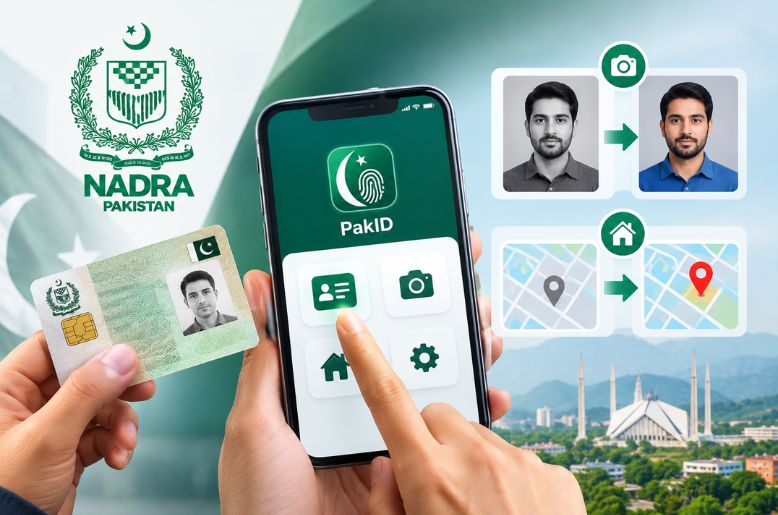
The National Database and Registration Authority (NADRA) has released a new guideline on how to change the photo and the address on your CNIC using the Pak ID app.
NADRA has explained the whole procedure for updating photographs and permanent addresses on Computerised National Identity Cards (CNICs) through its PakID mobile application.
The online facility allows citizens to apply for changes to their identity card details from home, without having to visit a NADRA registration centre to submit an application.
According to NADRA, applicants must follow these steps to begin the process:
1. Log in to the PakID mobile application.
2. Select the Identity Card option from the home screen.
3. Choose Myself to apply for their own CNIC or My Blood Relatives to submit an application for an eligible blood relative.
4. Select Update Card to proceed.
5. Update the required information and complete the application process through the app.
Applicants can use the service to request changes to their CNIC photographs and permanent addresses, as well as other eligible identity card details.
The facility is intended to make identity card services more accessible by allowing citizens to submit applications online.
Applicants should ensure that the information they provide is accurate and follow any additional instructions or document requirements displayed in the app.
The application process and any applicable fees or verification requirements will depend on the type of update requested.
